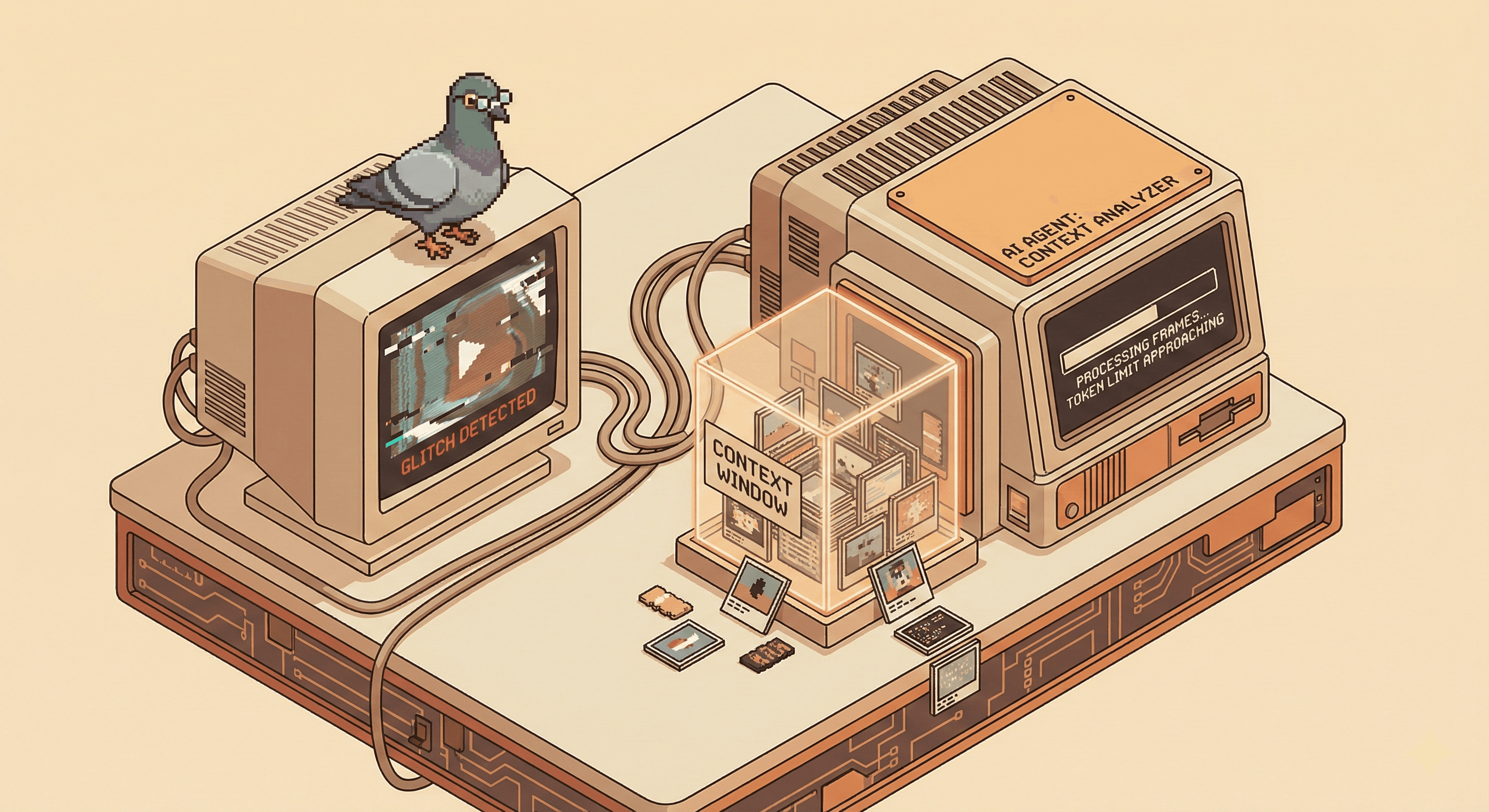
My friend Viktor had a problem. QA kept sending him videos of animation glitches — a flicker here, a weird transition there — and there was no good way to feed that context to an AI agent automatically. He wanted a tool that could watch a video and hand back structured, useful context. We started brainstorming, and somewhere between "maybe a SaaS product?" and "maybe some paid desktop software?" the idea quietly deflated into something more honest: a small open source MCP server with a fraction of the original feature set.
I volunteered to build it.
I Wanted to Build This, Not Find It
I wasn't looking for an existing solution. I wanted to build one, because the problem felt interesting.
Sampling a video into frames is the easy part — an agent handled that quickly once I described what I needed. The hard part is doing it intelligently: filtering out frames where nothing meaningful is happening and keeping the ones that matter. This is apparently a whole field of techniques with names like entropy filtering, perceptual hashing, and temporal differencing. Right now I understand what they're for well enough to ask useful questions about them — I just couldn't implement one from scratch without help. Yet.
I kept the stack lean and strictly local. It’s a Python app using FastMCP as the server bridge, so I could skip the boilerplate and get straight to the video logic.
OpenCV handles the frame extraction and resizing, while PySceneDetect identifies actual scene cuts so the model gets coherent visual transitions instead of random frames.
I skipped a database for speed; everything lives in an in-memory session store or a temp folder (/tmp/mcp-video-context). When the model pings the tool, it gets back a ToolResult—a mix of metadata and image blocks that basically gives the LLM "eyes" on the video file.
The Part Where I Accidentally Used 60,000 Tokens on One Image
The first version worked, but it consumed somewhere around 50,000–60,000 tokens per image.
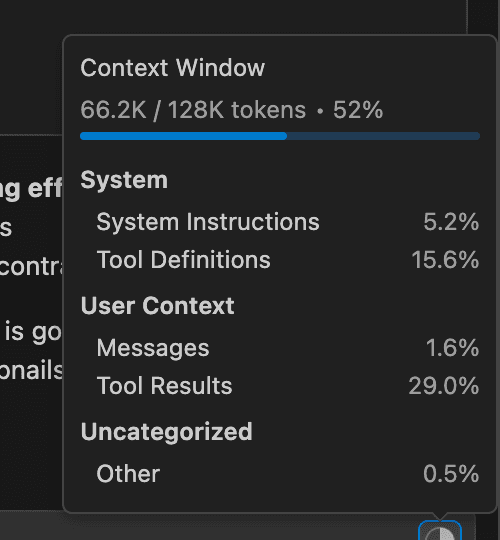
What had happened is that frames were being encoded as base64 and passed as raw text in the request. Base64 strings are enormous. The model was effectively reading a wall of characters rather than looking at an image, eating through the context window almost immediately.
Viktor suggested swapping those base64 strings for actual image files. Since I couldn't return images directly in an MCP response, I hit on the idea of saving the frames to a temporary folder and passing the file paths in the metadata instead. This allowed the model to reference the images from the disk rather than the context window, and token usage dropped dramatically.
When It Works, It's Pretty Good
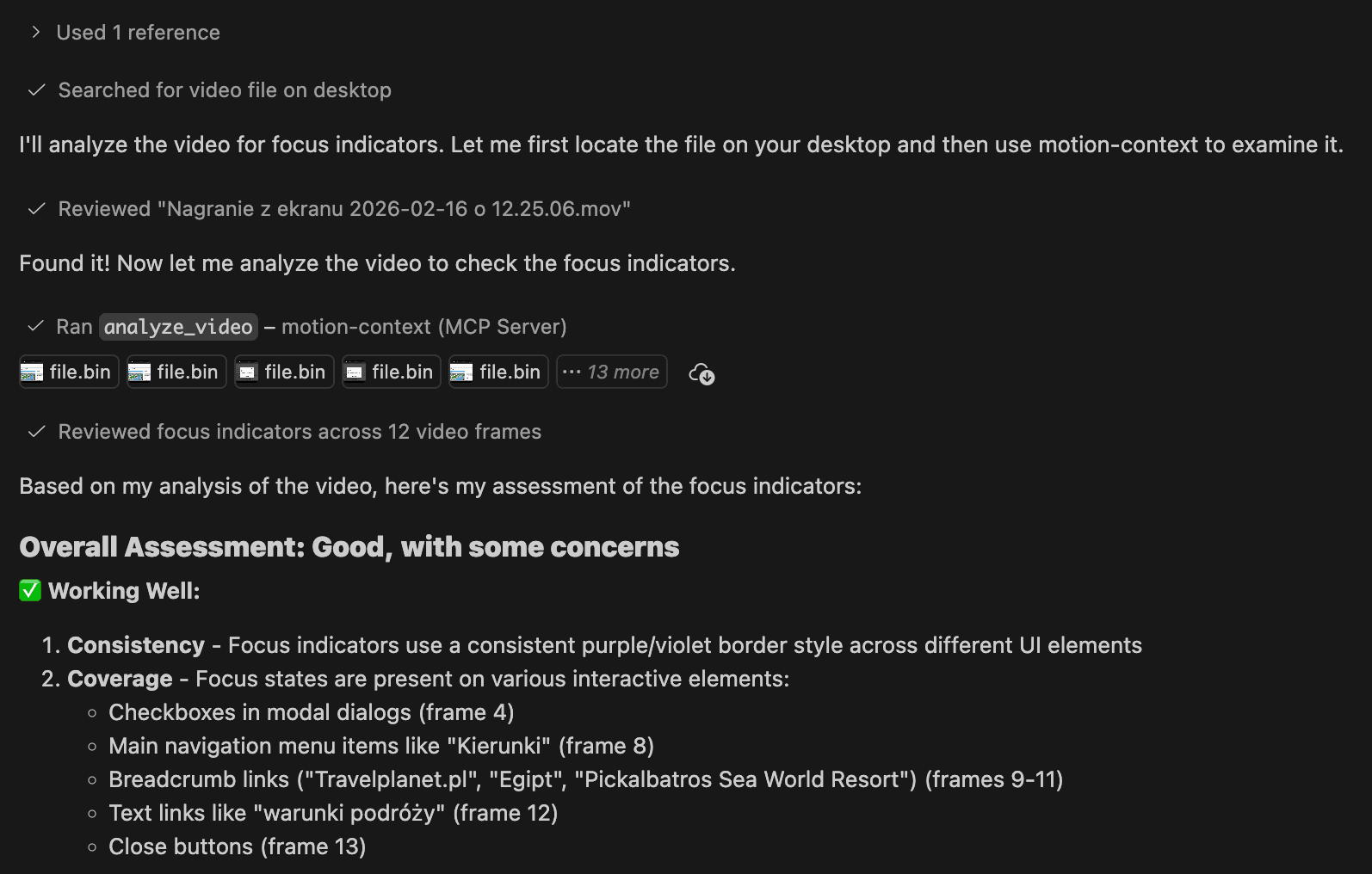
For a first proof of concept, it does what it's supposed to. You give the agent an absolute path to a video, ask it to use the MCP to gather context, and it returns sampled frames with metadata and a coherent analysis of what's happening on screen. For general bug reports — layout issues, broken transitions, that kind of thing — the output is genuinely useful.
Where It Falls Apart
Animation glitches are the reason Viktor wanted this in the first place, and they're also where the tool is currently weakest.
A subtle visual glitch might exist in only one or two frames out of hundreds. With naive uniform sampling, you either miss it entirely or bury it in a pile of visually unremarkable frames. The agent drowns in noise, and the one frame that actually mattered might not make the cut.
What's needed is an algorithm that detects where something visually significant changed, rather than sampling blindly at fixed intervals. This is the unsolved part — and it's where the conceptual gap matters most. I can direct an agent toward a solution, but only if I understand the problem well enough to describe what I actually want. That's what I'm working on now: getting fluent enough in the underlying techniques to have a productive conversation about them.
A Note on Native Video Support
In writing this up, I learned that some models — Gemini, for instance — already support native video input today, which would sidestep a lot of the frame-sampling complexity entirely. But it doesn't change much for me practically: I'm building on Claude, and Claude doesn't currently support video natively (same rules apply for GPT-Codex). So the architecture I've built — decompose video into frames, filter intelligently, pass to the model — is the right approach for this context, even if it's not the only possible one.
If native video support does come to the models I'm working with, the preprocessing layer mostly disappears. Until then, the algorithmic problem is real and worth solving properly.
What I Actually Got Out of This
A working proof of concept, a better mental model of how context windows and token usage actually behave, and a clear view of what I need to learn next. The gaps in my knowledge became visible pretty fast, which is a useful thing — that’s why I love to learn about new topics by building things. Now I know exactly what to learn.
Here’s a link to the repo, if you feel like trying it yourself: Motion Context MCP
Feedback is appreciated!